

If your headlights dim when the bass hits, it's time to learn how to add a second battery for car audio. A second battery gives your amplifiers the extra current they need for clean, consistent power. This guide covers when you need a second battery, AGM vs lithium, whether to use an isolator, and how to wire a second battery step by step — plus the right batteries available at JS Ultimate Sounds.

Do You Need a Second Battery for Car Audio?
You likely need a second battery (or an upgraded main battery) when your system draws more current than your alternator and stock battery can supply — a common sign is headlight dimming or voltage drop below ~12.5V under heavy bass. As a rough guide, systems pushing 1,500+ watts RMS usually benefit from a second battery, and a charging-system ("Big 3") upgrade should come first or alongside it.
AGM vs Lithium for Car Audio
Most second batteries are AGM — affordable, high-current and tolerant of deep demand, like the AGM car audio batteries we stock. Lithium (LTO/LiFePO4) batteries are lighter, hold voltage better and last longer, but cost more. For most builds, a quality AGM such as an XS Power battery is the sweet spot; lithium is ideal for weight-conscious or high-demand SPL systems.
Do You Need a Battery Isolator?
If both batteries are the same chemistry and you've done the Big 3, you can often run them in parallel without an isolator. An isolator or relay is useful if you want to protect your starting battery (so the audio battery can't drain it) or if you're mixing battery types. Match chemistry and capacity for the simplest, most reliable setup.
How to Wire a Second Battery for Car Audio (Step by Step)
- Do the Big 3 upgrade first — upgraded battery-to-alternator, battery-to-ground and engine-to-chassis cables. See our Big 3 upgrade guide.
- Mount the second battery securely near your amps (trunk) or under the hood.
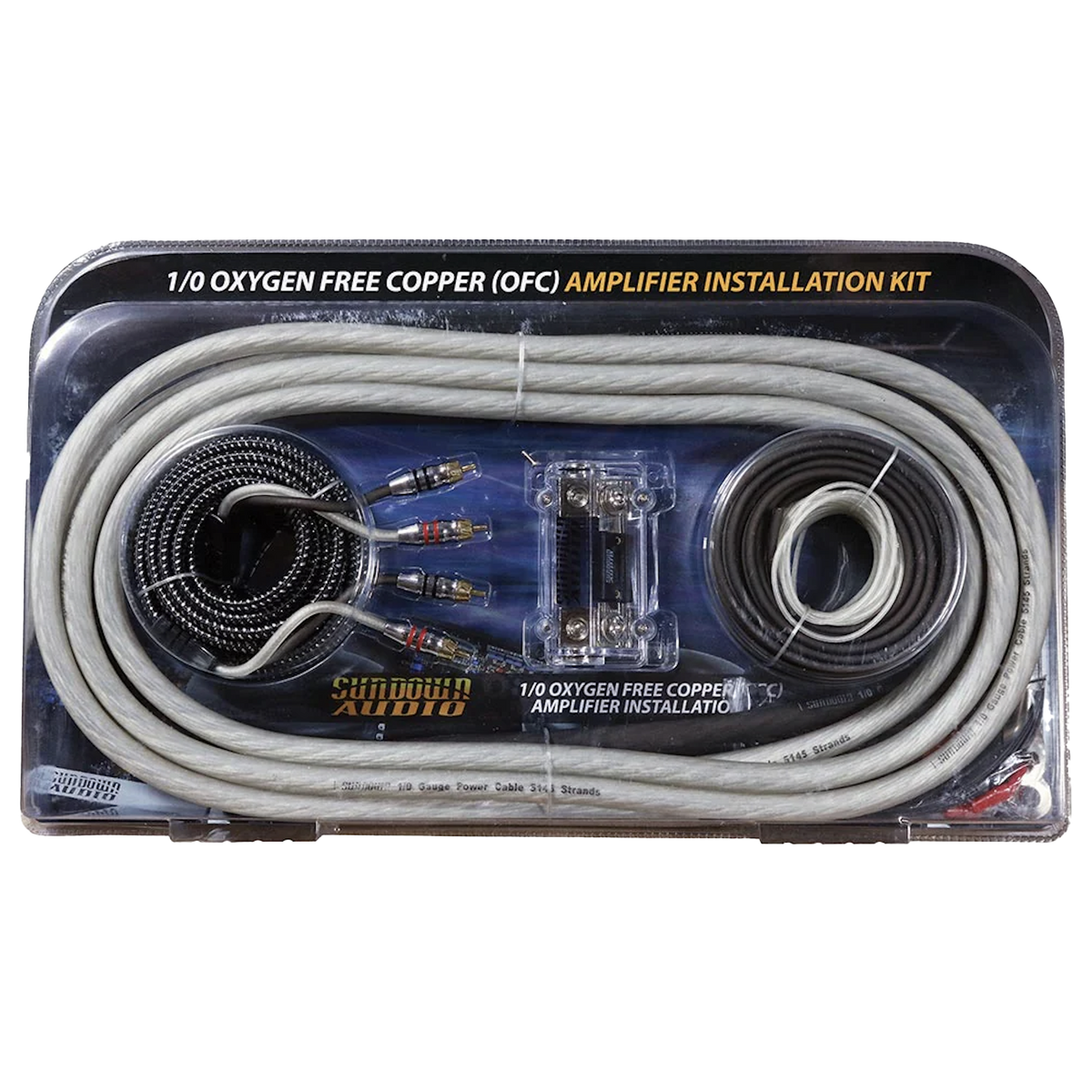
- Run positive heavy-gauge (typically 1/0 AWG) power cable from the main battery positive to the second battery positive, with an ANL fuse near each battery.
- Run ground from the second battery negative to clean, bare chassis metal with the same gauge.
- Connect your amplifier power and ground to the second battery for the shortest, cleanest current path.
- Check voltage with the engine running and music playing — you want it to stay near 13.5-14.4V.
Shop Car Audio Batteries at JS Ultimate Sounds
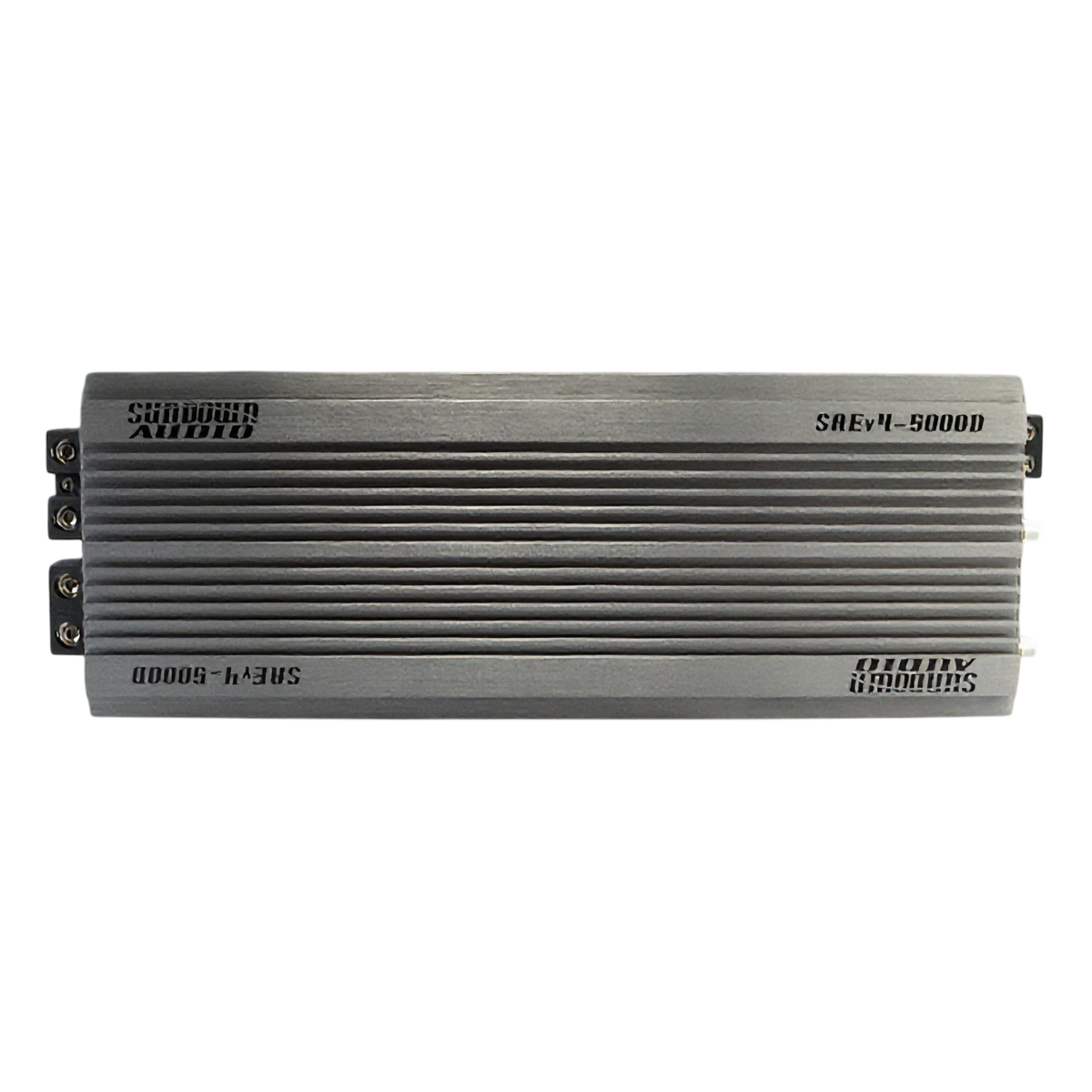
Browse in-stock car audio batteries including XS Power and Sundown AGM batteries, plus fuses, distribution blocks and heavy-gauge wire. Need help sizing a battery to your system? Our team will spec it for your wattage.
Second Battery FAQ
How do you add a second battery for car audio?
After a Big 3 upgrade, mount the second battery, run fused heavy-gauge positive cable from the main battery to the second battery, ground it to bare chassis metal, and connect your amplifier to the second battery. Verify voltage stays near 13.5-14.4V.
Do I need a second battery for car audio?
You need one when your system draws more current than your alternator and main battery can supply, often shown by headlight dimming or voltage sag. Systems around 1,500+ watts RMS typically benefit.
Should I use AGM or lithium for a second battery?
AGM batteries are affordable, high-current and great for most builds. Lithium batteries are lighter, hold voltage better and last longer but cost more, making them ideal for high-demand or weight-conscious SPL systems.
Do I need a battery isolator for car audio?
Not always. If both batteries are the same chemistry and you've done the Big 3, you can often run them in parallel. Use an isolator to protect your starting battery or when mixing battery types.
Do I need to upgrade my alternator too?
For larger systems, yes. A second battery stores current, but your alternator recharges it. High-power builds often pair a second battery with the Big 3 and a high-output alternator.

Leave a comment
This site is protected by hCaptcha and the hCaptcha Privacy Policy and Terms of Service apply.