
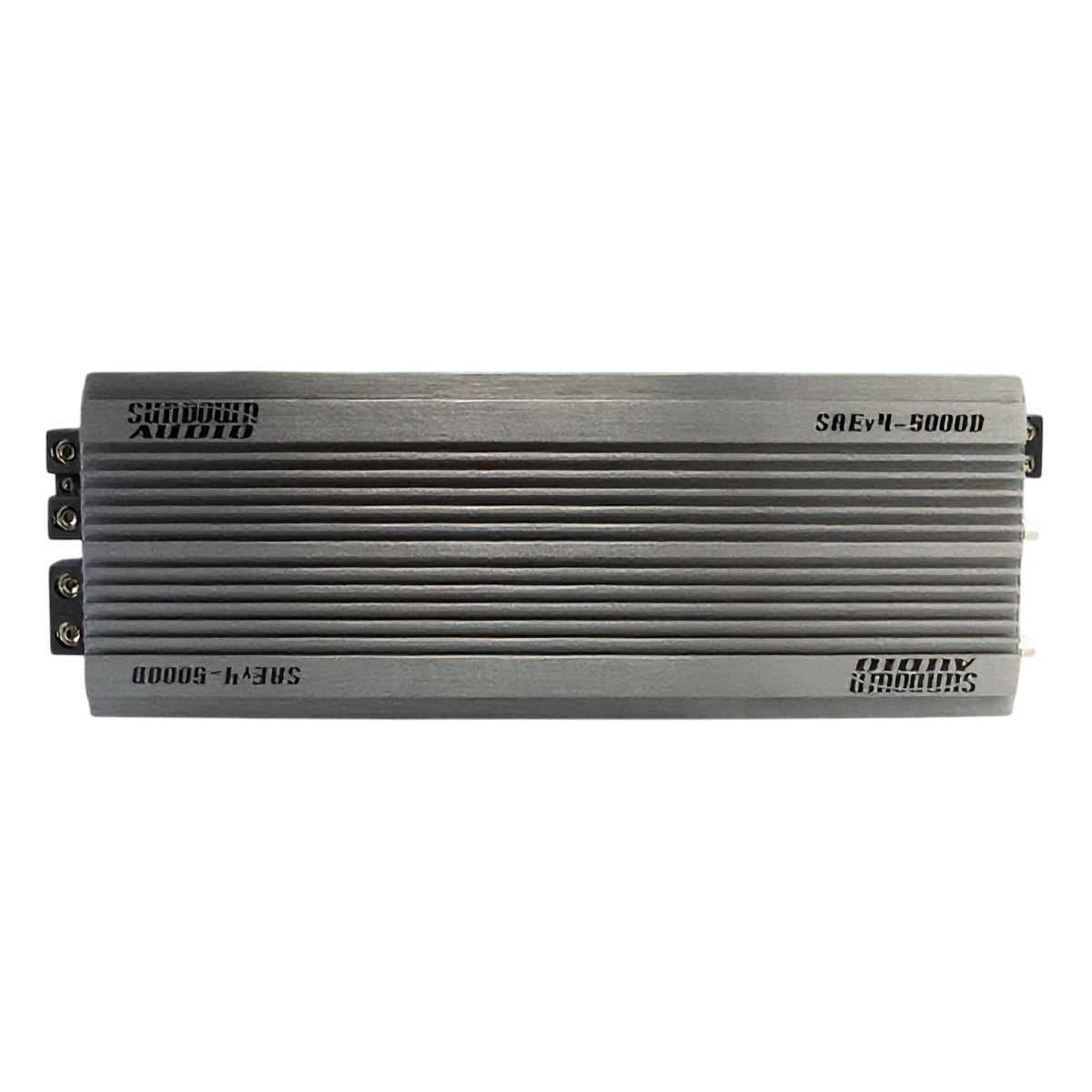
Knowing how to tune a car amplifier is the difference between a system that sounds clean and loud and one that distorts or blows speakers. Tuning is really about setting the gain (not a volume knob) plus the crossovers and filters correctly. This guide shows you how to set amplifier gain by ear and with a multimeter, and how to dial in the crossover, bass boost and subsonic filter — no guesswork.

What Does Tuning a Car Amplifier Mean?
Tuning an amplifier means matching its input sensitivity (gain) to your head unit's output and setting the crossover filters so each speaker or subwoofer only plays the frequencies it should. The gain is not a volume control — it matches signal levels. Set too high, it causes clipping (distortion) that damages speakers.
What You Need
- Your installed amplifier and speakers/subs
- A small flat-head screwdriver for the gain and crossover dials
- A digital multimeter (recommended) or a test tone
- Optional: a DSP or signal processor for advanced tuning
Step 1: Set the Crossover Filters
For a subwoofer amp, switch the crossover to LPF (low-pass) and set it around 80Hz so the sub only plays bass. For a speaker amp, use HPF (high-pass) around 80Hz so your door speakers aren't straining on bass. Set the subsonic filter to match your enclosure tuning (for ported boxes).
Where to Set the LPF on Your Amp
The LPF on an amp — the low pass frequency — decides the highest note your subwoofer will play; everything above it gets handed to your door speakers. Starting points that work in almost every system:
- Subwoofer amp LPF: 80Hz — drop toward 60–70Hz if your door speakers are strong and bass sounds boomy; raise toward 90–100Hz if there's a hole between your mids and sub.
- Match your HPF to it: set the door-speaker amp's high pass at or slightly above the sub amp's low pass frequency so there's no gap and no overlap.
- Sealed vs ported: the LPF setting doesn't change by box type — but the subsonic filter does (around your port tuning for ported boxes, ~20Hz or off for sealed).
Step 2: Turn the Gain Down and Set a Reference Volume
Start with the amp gain at minimum and bass boost at zero. Turn your head unit up to about 75-80% of its maximum volume — the highest level you'll actually listen at without the head unit itself distorting.
Step 3: Set the Gain (By Ear or Multimeter)
By ear: with music playing at that reference volume, slowly raise the gain until you just hear distortion, then back it off until it's clean. By multimeter (more precise): play a test tone, calculate target AC voltage from your amp's RMS power and speaker impedance (Volts = square root of Watts × Ohms), and raise the gain until the multimeter reads that voltage.
Step 4: Set Bass Boost and EQ Last
Use bass boost sparingly — it adds a lot of output at one frequency and can quickly cause clipping. If you add bass boost, re-check your gain. Make final tone adjustments on your head unit EQ or DSP.
Step 5: Listen, Re-check and Protect Your Gear
Play different songs and listen for distortion at high volume. A properly tuned amp sounds clean and effortless. Re-check the gain after any changes — clipping from an over-set gain is the leading cause of blown subs and speakers. Pairing your amp with the right subwoofer and a clean electrical system keeps everything reliable.
Shop Amplifiers & Tuning Gear at JS Ultimate Sounds
Browse in-stock car amplifiers from Sundown Audio, Down4Sound, American Bass and more, plus DSPs and signal processors for advanced tuning. New to amps? Read our Down4Sound amp review or ask our team for a recommendation.
Car Amplifier Tuning FAQ
How do you tune a car amplifier?
Set the crossover (LPF ~80Hz for subs, HPF ~80Hz for speakers) and subsonic filter, turn the gain to minimum, raise your head unit to about 75-80% volume, then slowly increase the gain until just before distortion. Add bass boost sparingly and re-check.
Is the gain a volume knob?
No. The gain matches the amplifier's input sensitivity to your head unit's signal level. Setting it too high causes clipping and distortion that can damage speakers — it is not a loudness control.
How do you set amplifier gain with a multimeter?
Play a test tone, calculate target AC voltage using Volts = square root of (RMS Watts × speaker Ohms), then raise the gain until the multimeter reads that voltage across the speaker terminals.
Where should I set the crossover on my amp?
For a subwoofer, set the low-pass filter around 80Hz. For door speakers, set the high-pass filter around 80Hz. Adjust to taste, and set the subsonic filter to your ported enclosure's tuning frequency.
Why does my amp sound distorted at high volume?
Usually the gain is set too high (clipping) or the bass boost is too aggressive. Lower the gain until the sound is clean at your highest listening volume, and reduce bass boost.


Leave a comment
This site is protected by hCaptcha and the hCaptcha Privacy Policy and Terms of Service apply.